
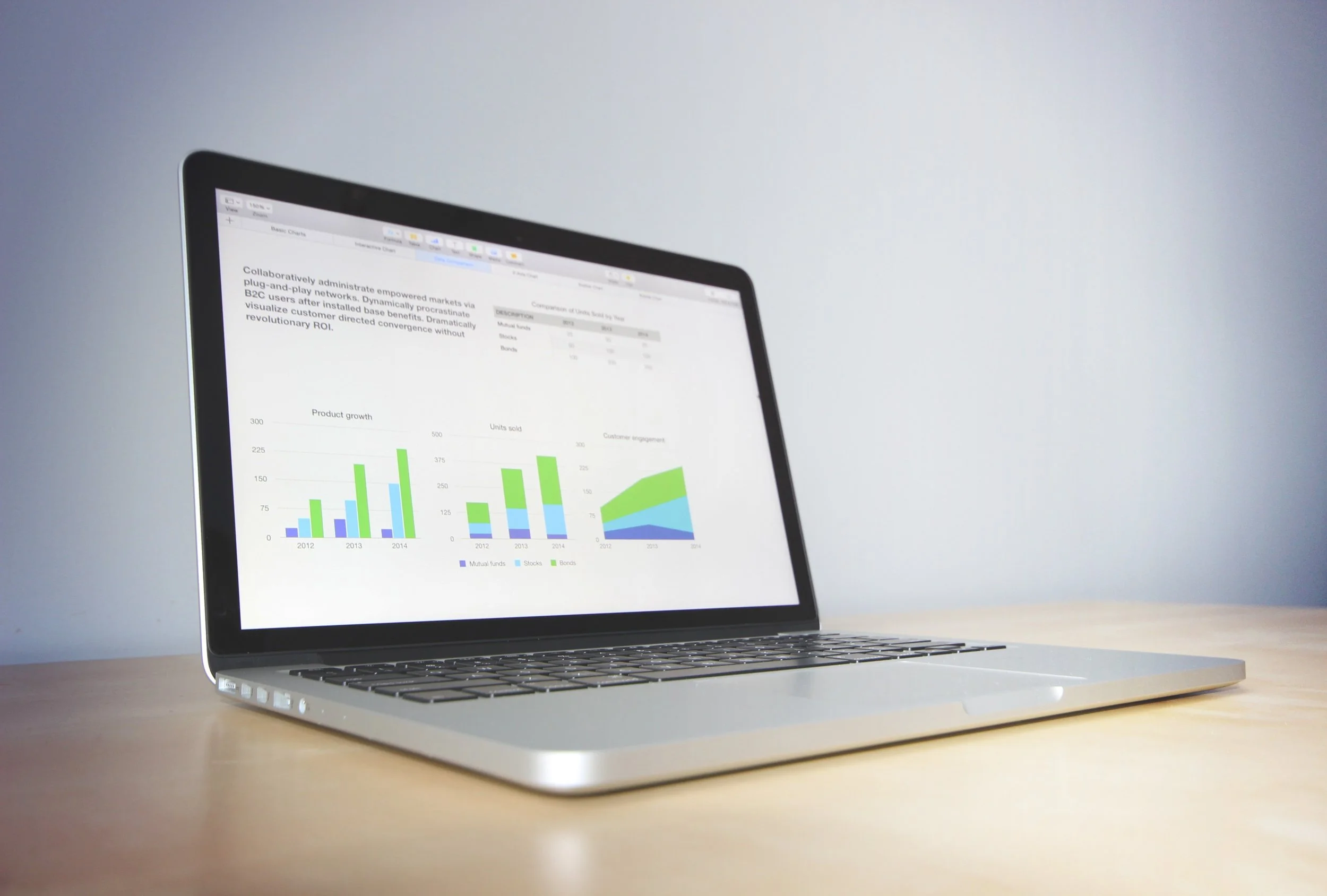
This dashboard illustrates sales information for 2018. You can easily view sales by year, quarter or month. It also compares results to goals for each of the 4 regions in the company and shows the performance of each salesperson.
How to interact with this dashboard:
Use the slider at the top right to adjust the date range. Notice all of the graphics on the page are updated.
The colors in the Total Sales column are based on set ranges to easily identify both top performers and salespeople that missed their targets.
The table can be sorted by clicking the headers at the top of each column.
Click anywhere within one row in the table, and watch the graphics to the right update. To select more than one row, hold CTRL and click as many additional rows as you’d like.